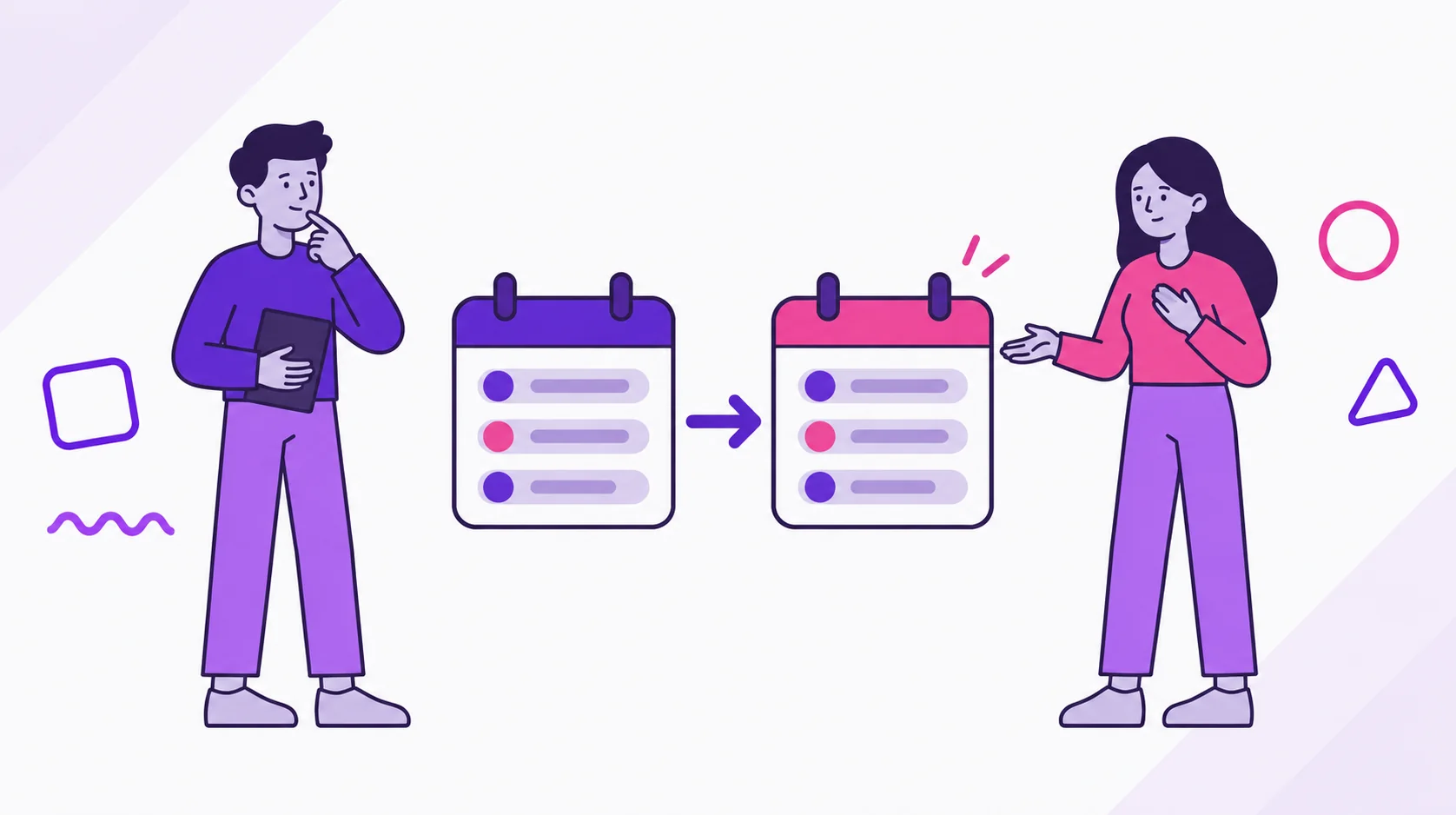
Copy bills in dividi is the shortcut that brings repeatable bills into a new month. It saves retyping without pretending every amount stayed the same.
Use it when last month is already organized and the current month needs a clean starting point. Fixed bills, active installments, and recurring monthly variables can move forward with the details that still make sense.
When should you use Copy bills?
Use Copy bills near the start of the month, before you and your partner rebuild the same rent, internet, subscriptions, installments, and recurring errands by hand.
The feature is most useful after at least one previous month exists in the same account. dividi looks at recent source months, lets you choose one, and shows the bills that can be copied into the active month.
You may see the entry point in a few places: an empty bills list, a month insight that says the month can start lighter, or the Copy bills screen itself. In a Joint Account, access still matters. The owner can copy bills, and an invited member needs permission to add bills.
How do you copy bills in dividi?
The flow is intentionally short:
- Open the month you want to fill.
- Tap Copy bills.
- Choose a recent source month.
- Review Available bills.
- Use Select all or remove bills that no longer fit.
- Tap the button that copies the selected bills into the current month.
When dividi finds valid bills, the screen starts with them selected. Before confirming, read the summary: it separates fixed bills, installments, and variables so you know what is about to move.
If there is no eligible source month, the app shows that there are no previous months with bills to import. If a source month exists but nothing can be copied, it shows that no bills are available for import in that month.
Which bills are copied?
dividi does not copy every old bill. It filters for bills that can reasonably belong in a new month.
| Bill type | What dividi does | What to review |
|---|---|---|
| Fixed recurring bill | Copies the same amount. | Confirm the amount is still right. |
| Installment bill | Copies while the installment is still active. | Check how many installments remain. |
| Variable bill with monthly recurrence | Copies with a zero amount. | Enter the real amount when you know it. |
| One-time variable bill | Does not appear in Copy bills. | Add it manually if it happens again. |
The copied bill also keeps useful context from the original, such as category, split, who pays, transfer flag, linked card, and linked goal when that goal is still active. Bills connected to completed goals stay out of the copy list.
Due dates are handled carefully. If the original bill was due on the last day of a longer month, dividi moves it to the last day of the target month. A January 31 due date becomes February 28, or February 29 in a leap year.
What should you review before copying?
Copying fast still deserves a short review. Ask these five questions before tapping the final button:
- Does the source month represent the routine you want to repeat?
- Which variable bills will arrive with a zero amount?
- Did any installment end already?
- Do the linked cards and goals still make sense?
- Did a shared bill become personal, or the other way around?
The copied bills arrive as unpaid. That is important. Copy bills creates the monthly base in dividi; it does not say a bill was paid in your bank, card, Zelle, Venmo, ACH, or any other outside account.
How does Copy bills work with Budget?
When the source month has a Budget, dividi tries to copy that Budget into the target month too. If there is no source Budget and this is the first bill in the month, the app can also try to replicate the previous month’s Budget.
That helps the month start with both sides of the picture: the bills you expect and the limit you want to read them against. After copying, open Smart Budget statuses in dividi to check whether the month is On track, Watch out, or Over budget.
What mistakes should couples avoid?
Do not copy a month without reading it first. A canceled subscription, a one-off purchase, or a bill that changed owners can turn a shortcut into cleanup work.
Do not ignore zeroed variable bills. dividi zeroes them on purpose because groceries, utilities, rides, and other recurring variables may happen every month but not at the same amount.
Do not treat the feature as the conversation. Copy bills reduces typing. You and your partner still decide what belongs in the shared routine.
FAQ
Is the feature called Copy expenses or Copy bills?
In the English app, the UI label is Copy bills. In everyday writing, you may call them expenses, but the object inside dividi is a bill.
Can I copy any old month?
The app works with recent source months. In the current implementation, dividi builds the source list from the three months before the current month when they have importable bills.
Do variable bills keep the old amount?
No. A variable bill with monthly recurrence is copied with a zero amount so you can enter the real value later. A one-time variable bill is not copied.
Does copying mark bills as paid?
No. Copied bills are created as unpaid. Mark payment only when the bill is actually paid outside the app.
Does dividi move money?
No. dividi organizes bills, splits, Budget, goals, and transfers between partners. It does not pay bills, move bank money, or transfer funds for you.
Next step
Start with the month that best reflects your real routine. Copy only what still belongs, then fill in variable amounts as they arrive.
If you are still moving from a spreadsheet, use the spreadsheet-to-dividi migration guide first. If you are setting this up with a partner, the guide to Joint Account invites and permissions explains who can add bills.
To try the routine, download dividi. To compare plan limits and Premium features before making it your monthly workflow, see dividi plans.