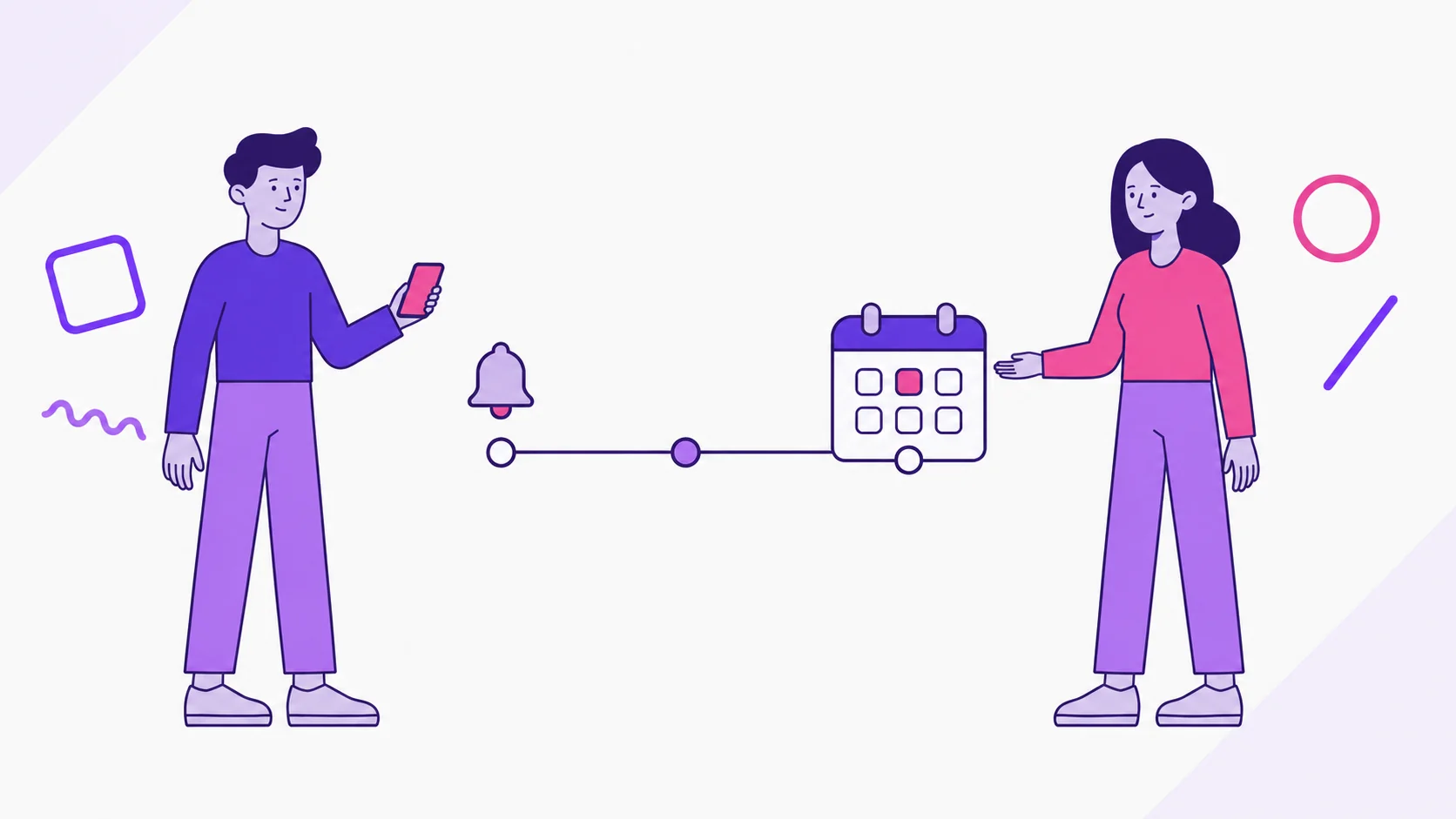
dividi’s due date reminders alert you days before a bill is due and again on the due date; in a Joint Account, the alert goes to whoever makes the payment. It’s a Premium feature you set up once, and it covers every bill with a due day.
For couples, the payoff is practical. The electric bill no longer lives in one person’s memory, and nobody has to ask “did you pay it?” at the end of the day.
How do due date reminders work in dividi?
Once a day, dividi checks this month’s bills that have a Due day and aren’t marked as paid yet. Based on your preferences, each due date can trigger two alerts:
- Early reminder: sent once, as far ahead as you chose: 1, 2, 3, 5, or 7 days before.
- Day-of alert: sent on the due date itself, if Notify on due date is on.
Bills due on the same day are grouped into one alert with the date and the list of bills, instead of a string of separate notifications. Anything already marked as paid drops off the list, so dividi won’t remind you about a bill you’ve handled.
Reminders only look at the current month, which has two practical effects:
- Early reminders don’t reach back into the previous month. A bill due on the 1st gets only the day-of alert; one due on the 3rd, with 7 days’ notice, gets its early reminder on the 1st.
- Your fixed bills need to be in this month. Copy bills brings each bill’s due day along, so reminders work from the start of the month.
How do you turn on due date reminders?
- Add the due day. On the bill, fill in Due day. It’s optional, with shortcuts for common days (1, 5, 10, 15, 20, and 25) plus Another day.
- Turn reminders on. In Settings, under Due date reminders, switch on “Get notified about upcoming bill due dates.”
- Pick how early. Under Remind me before the due date, choose 1, 2, 3, 5, or 7 days before, or Disabled if you only want the alert on the day.
- Decide on the day-of alert. Turn on Notify on due date for a second alert on the day the bill is due.
- Allow notifications on your phone. When the app asks, tap Turn on notifications.
If phone notifications are off, alerts still show up on dividi’s Notifications screen; your phone just won’t buzz. To get them again, turn dividi’s notifications back on in your phone’s settings.
You can also reach these controls from the Notifications screen itself: the gear icon at the top opens Notification preferences.
Who gets the reminder in a Joint Account?
Each partner turns on their own reminders on their own phone, and each needs Premium access. That can be an individual subscription or Premium Duo, which unlocks Premium for both people in the Joint Account.
With both of you set up, dividi doesn’t send everything to everyone. The alert follows what you set on each bill:
- A bill for both of you (Shared split): the reminder goes to the person in Who makes the payment.
- One person’s bill: the reminder goes to that person, or to whoever covers the payment for them if you set that on the bill.
In practice, each of you gets reminded about the bills you pay. Here’s an example month, with both partners using 3 days’ notice plus the day-of alert:
| Bill | Due | Who makes the payment | Who gets alerts, and when |
|---|---|---|---|
| Rent | 1st | Maya | Maya, on the 1st (day-of alert only) |
| Electric | 12th | Sam | Sam, on the 9th and the 12th |
| Internet | 18th | Maya | Maya, on the 15th and the 18th |
| Car insurance | 25th | Sam | Sam, on the 22nd and the 25th |
Maya doesn’t get alerts for the insurance Sam pays, and Sam isn’t reminded about rent. Keeping track gets split the way you agreed, the same idea behind our guide to the financial mental load. If you each pick a different lead time, you each get alerts on your own schedule.
How does the credit card statement reminder work?
Purchases on a credit card come due together, on the statement due date. For those, dividi uses the card’s own Payment reminder field, in New card or Edit card, where you choose the day of the month you want to be reminded.
With that day set, the card’s unpaid bills for the month become one alert that lists those bills and their amounts. View statement details opens the bills on that card so you can check them before paying. Lead time and the day-of alert follow the same preferences as your other reminders.
The statement alert goes to the person who added the card. If a card has no Payment reminder, each bill on it follows its own Due day like any other bill. To set up cards from scratch, see how to organize card spending in dividi.
What shows up on the Notifications screen?
The phone notification is intentionally discreet. It only says “You have a notification to check.” The bill name and amount don’t appear on your lock screen, only inside the app.
Tap the bell at the top of dividi’s screens to see each alert with its date and the bills it covers. From there you can:
- tap View bill to open the details (if an alert groups several bills, the app asks which one you want);
- open the card statement with View statement details;
- mark an alert as Read, Pin one that still needs a conversation between you, or Delete it.
How many days of notice should you choose?
Your lead time applies to all of your reminders, so match it to the slowest step in how you pay:
| Lead time | Usually works for | Example |
|---|---|---|
| Day-of only | Bills on autopay, to confirm the payment went through | Internet on autopay |
| 1 or 2 days | Bills you pay yourself through a bank app or the biller’s site | Electric bill paid through online bill pay |
| 3 or 5 days | Bills that depend on your partner sending their share first | Rent, when the other half comes over Zelle or Venmo |
| 7 days | Large amounts, or a paycheck that lands close to the due date | A large credit card statement due mid-month |
There’s no single right answer for every couple. If alerts arrive so early that you forget again, shorten the lead time; if they feel last-minute, lengthen it.
What does a missed due date actually cost?
It depends on the bill, and the rules differ more than most people expect:
| Bill | Paid a few days late | Still unpaid later on |
|---|---|---|
| Credit card | A late fee set by your card agreement | After 60 days without the minimum payment, the rate on your existing balance can go up (CFPB on rate increases) |
| Utilities | A late fee or charge set by the provider and state rules | A bill sent to collections can show up on your credit reports (CFPB on utility bills) |
If a card rate goes up because a payment was more than 60 days late, the issuer must bring the old rate back after six on-time minimum payments in a row, according to the CFPB page last reviewed September 22, 2022. Most utilities don’t report on-time payments to the big three credit bureaus, per a CFPB page last reviewed September 5, 2025.
Rent is set by your lease and by state or local law, so grace periods and late fees vary. Example: if your lease charges $50 after a five-day grace period on rent due the 1st, the day-of alert on the 1st still leaves five days before that fee applies.
One timing detail matters for the “day-of only” setting. Under the federal rule on credit card payments, Regulation Z § 1026.10, issuers can’t set a cut-off earlier than 5 p.m. on the due date. A day-of alert can still leave time to pay before that cut-off, but check your card’s actual cut-off time.
The bigger cost is often the friction. A forgotten bill turns into a tense conversation, one partner feels nagged, and the other starts double-checking everything “just in case.” Reminders take that quiet double-checking off both of your plates.
This is educational information, not financial or legal advice; check your own agreements for the fees that apply to you.
FAQ about dividi due date reminders
Are due date reminders free?
No, they’re part of dividi Premium. With Premium Duo, one person’s subscription unlocks reminders for both people in the Joint Account, and each of you turns them on in Settings.
Will I get a reminder for a bill I already paid?
No, as long as the bill is marked as paid in dividi. Reminders only look at this month’s bills that are still open.
Can I set a different lead time for each bill?
No. Your lead time applies to all of your bills with a due day. A card statement uses the day in its Payment reminder, and each partner picks their own lead time.
Why didn’t I get a reminder for a bill?
Check that the bill has a Due day, belongs to this month, is still open, and that you’re the one who makes the payment. Bills on a card with a Payment reminder show up only in the statement alert, which goes to whoever added the card. Then confirm reminders are on and your phone allows dividi notifications.
How do you get reminders ready this month?
Sit down together for ten minutes with this month open in the app. Make sure every fixed bill has a Due day and the right person in Who makes the payment. Then each of you turns on reminders on your own phone, with the lead time that fits how you pay.
In dividi, your Joint Account keeps household bills split the way you agreed, each bill shows who makes the payment, and that person gets the reminder before and on the due date. After paying, Mark as paid stops the alerts for that bill and shows the status to both of you.
- To unlock reminders for both of you: see dividi’s plans
- To get started: download dividi and turn on reminders in Settings
- To see upcoming due dates without opening the app: the dividi widget on your Home Screen