Divi is the dividi mascot and voice helper for drafting bills. She helps Premium users add bills by voice, then review the draft before saving.
She exists to make a practical task feel less rigid: telling the app what you spent, then reviewing a structured draft before anything is saved.
How does Divi help with bills?
Divi’s role is specific. She helps turn a voice description into a bill draft.
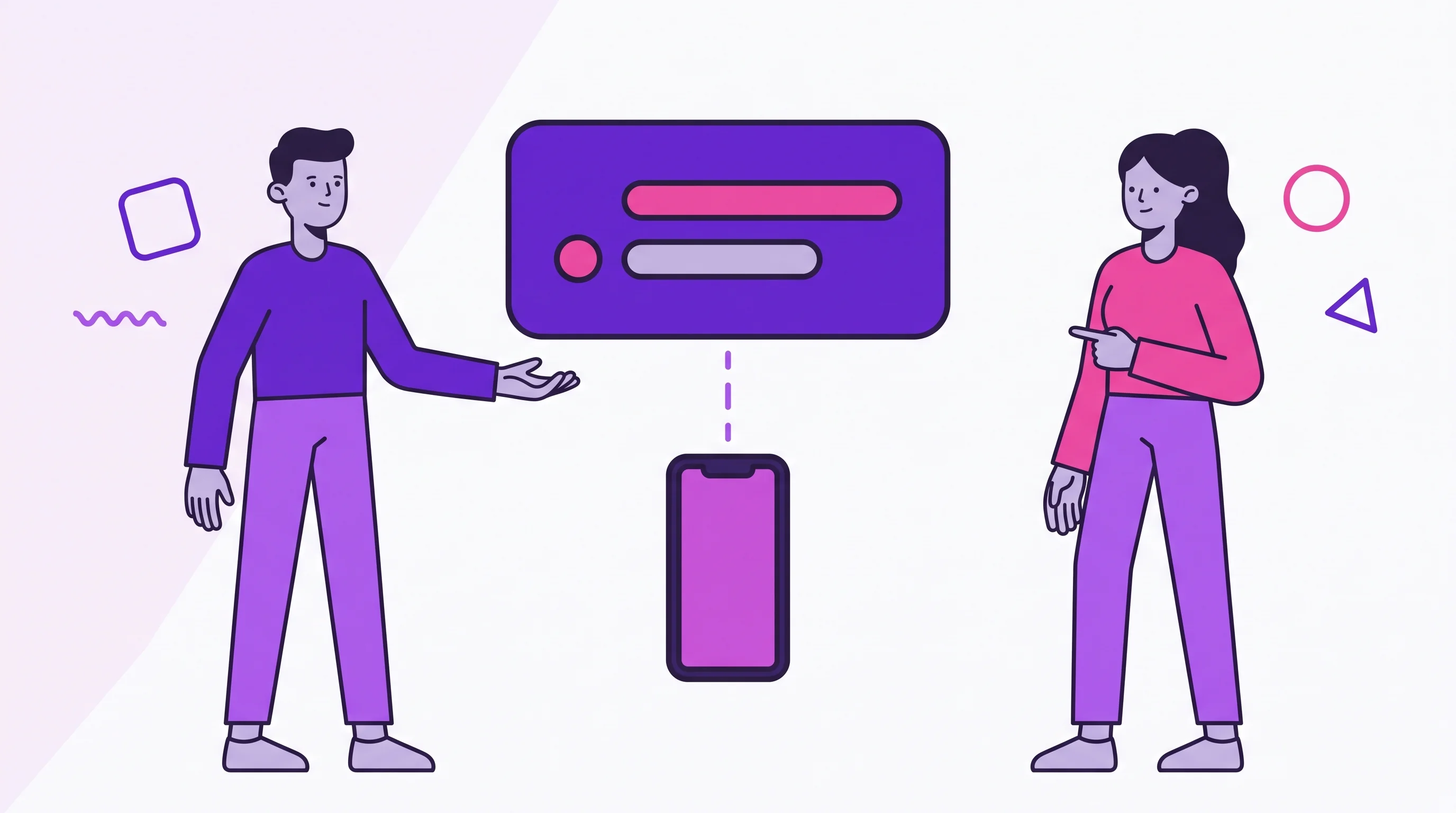
In the add sheet, Premium users can choose Talk to Divi. The app asks you to say the expense and reminds you to include who pays when the bill belongs to a Joint Account.
After listening, Divi drafts the bill details she can identify, such as description, amount, account, category, payer, card, goal, bill type, installments, and transfer flag. You then review the draft.
Nothing goes into the month without confirmation. If the draft is complete and confident enough, you can confirm it. If not, you can adjust it before saving.
What can you say to Divi?
Speak the way you would remember the bill. The app examples show ordinary phrases, not commands.
For a personal bill, you might mention the expense, amount, card, installment, or goal. For a Joint Account bill, say who pays and whether the bill is shared.
Examples of the kind of information Divi can use:
- bill description;
- amount;
- Personal Account or Joint Account;
- category;
- who paid;
- whether it is shared;
- card;
- goal;
- installments;
- transfer detail.
The more concrete the sentence, the easier the review becomes.
Why is Divi a Premium feature?
Voice chats with Divi are part of dividi Premium. In the Free experience, the voice entry point appears as a Premium preview.
Premium users also see a monthly quota in Settings under Talk to Divi. The quota shows how many voice chats were used, the monthly limit, and how many are left. When the quota is exhausted, the app shows Monthly limit reached.
The goal is to keep the feature clear: voice entry is available, but it has a monthly usage boundary.
Which languages does Divi support?
Voice extraction supports Portuguese (Brazil) and English (US).
That support does not mean every phrase will be perfect. The review screen exists because speech recognition and structured extraction can miss details. If Divi is unsure, the app asks you to review or correct before saving.
The app also needs microphone and speech recognition access to start a voice capture.
What happens when Divi does not understand?
When the sentence is not a bill, dividi does not pretend it worked. The app can show that the chat is for adding expenses, not general questions.
When Divi cannot turn the speech into a bill, the app offers retry or manual entry. When the locale is unsupported, the app says voice chats are available only in Portuguese (Brazil) and English (US).
That boundary is part of the product. Divi is not there to answer every finance question. She is there to shorten a bill entry workflow.
How does Divi fit with the rest of dividi?
Divi is one entry point. The month still depends on the same structures:
- Joint Account percentages for shared bills.
- Budget statuses such as On track, Watch out, and Over budget.
- Cards for statement grouping.
- Goals for shared progress.
- Transfers to settle up when one partner paid more than their share.
If you say a card bill clearly, Divi may draft it with the card attached. If you mention a goal that exists, the draft can include that goal. You still review the result.
For card routines, read Organize card spending in dividi. For goals, read Shared goals in dividi.
FAQ
Is Divi a chatbot for financial advice?
No. Divi helps add bills by voice. She does not give investment advice, move money, act as a bank, or decide what a couple should do.
Is Divi available on the Free plan?
Voice chats with Divi are a Premium feature. Free users can see a preview or Premium invitation, but the real voice flow starts with Premium.
Does Divi save a bill automatically?
No. Divi creates a draft. You review, confirm, or correct before saving.
Which languages does Divi support?
The supported locales are Portuguese (Brazil) and English (US).
What happens when the monthly limit ends?
The app shows that the monthly limit was reached. Premium users can also see their used and remaining chats in Settings.
Next step
Use Divi for bills that are easy to say clearly: groceries, subscriptions, rides, card purchases, and shared bills where you know who paid. The full walkthrough — from the “+” button to a saved expense — is in how to log an expense by voice with Divi.
If you want to try voice entry, download dividi and compare dividi plans. If you prefer to start manually first, use Move from spreadsheets to dividi to build the first month calmly.